
Overview
Can Google, Bing, and AI platforms access your website? This small business crawlability checklist is designed to help spot potential problems that could be causing a setback in your findability.
Highlights
- • What Is Website Crawlability?
- • Why Crawlability Matters More Than Ever
- • The Checklist for Website Crawlability
Introduction
Your website is like a storefront on a busy street. You might have great signs, helpful staff, excellent services, and a clean front window, but if the door is locked, customers can’t come in. Crawlability works the same way online.
Search engines and AI platforms need to access your website before they can understand what your business does. Before your pages can rank, appear in search results, show up in snippets, get summarized, or be recommended to a potential customer, bots need to find them and read them.
This LinkNow blog will help you spot the most common crawlability problems small business websites face. We’ll keep things practical, plainspoken, and focused on what matters most.
What Is Website Crawlability?
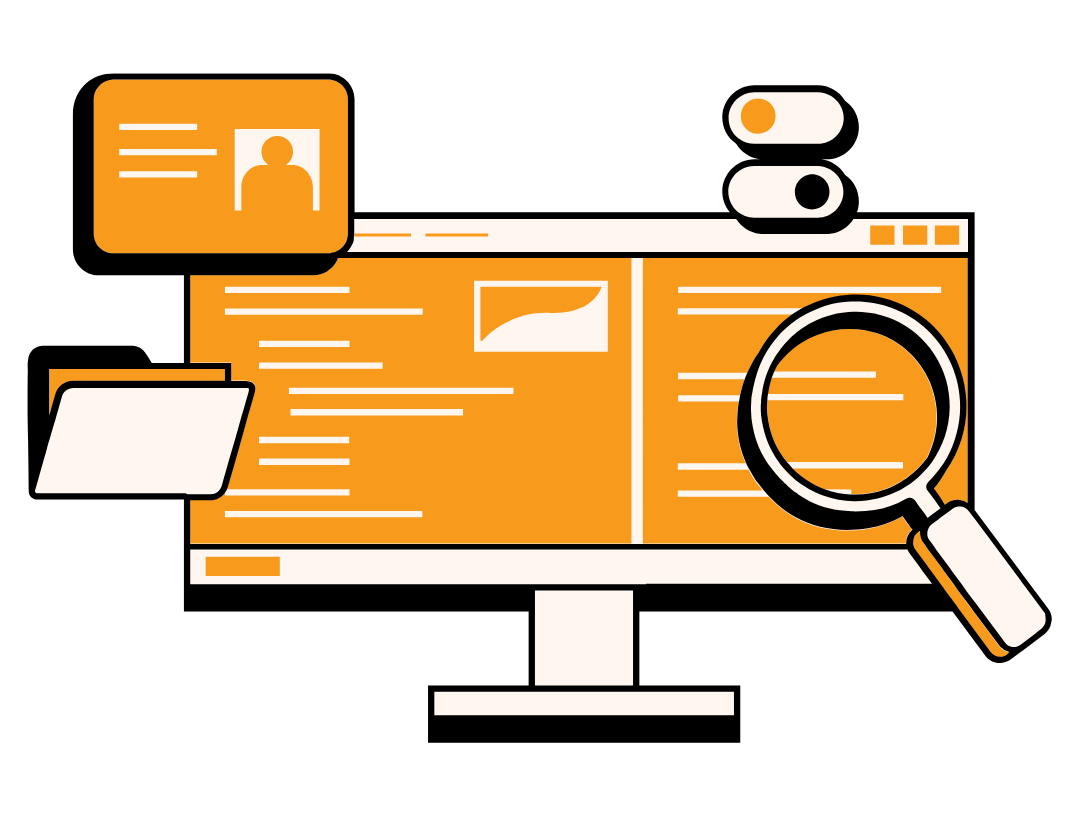
Website crawlability is how easily search engines and AI platforms can access the information and pages on your site. If your site is easy to crawl, search engines have a better chance of discovering your services, blog posts, contact details, location pages, and other useful information customers may be searching for.
A crawlable website allows bots to:
- • Find important pages
- • Follow internal links
- • Read page content
- • Understand your website structure
- • Discover new or updated pages
- • Avoid wasting time on duplicate, outdated, or low-value URLs
For small businesses, crawlability matters because these businesses tend to operate in local markets where showing up in search results is crucial. Search engines and AI platforms need access to your information before they can show your business in search results, answer customer questions, or understand which services you provide.
A roofing company, for example, may have separate pages for roof repair, roof replacement, emergency roofing, and gutter installation. If those pages are easy to find and connected through clear links, crawlers can better understand what that company offers. If those same pages are hidden, broken, blocked, or buried too deeply, search engines may miss them and therefore miss what you offer.
Crawling vs. Indexing
Crawling and indexing are closely related, but they aren’t the same thing. Crawling means a bot can access and read a page. Indexing means a search engine chooses to store that page and potentially show it in search results.
A page can be crawlable but not indexed. For example, Google may be able to visit an old service page, read the content, and follow links on it, but still decide not to show that page in search results. That can happen when a page is too thin, too similar to another page, blocked by a “noindex” tag, outdated, or not helpful enough for searchers.
In other words, crawlability opens the door. Indexing decides whether your page gets a seat at the table.
Why Crawlability Matters More Than Ever
Crawlability has always been important for SEO, but it matters even more today. Your website is no longer being read by only people and Google. It may also be accessed by other search engines, AI search tools, and web-based assistants trying to understand your business.
That means your website needs to be easy to find, easy to read, and easy to understand. If crawlers cannot access your most important information, your business may be left out of search results, AI-generated answers, map-style recommendations, and other discovery tools customers use to make decisions.
Google Still Needs To Access Your Pages
Google doesn’t magically know every page on your website exists. Search engines discover pages through links, sitemaps, and crawling systems. Google’s Search Central documentation explains that crawling and indexing affect Google’s ability to find, parse, and show content in Search and other Google platforms.
For small businesses, this matters because your most valuable pages are often your service pages. A plumber wants Google to find pages for drain cleaning, water heater repair, leak detection, and emergency plumbing. A contractor wants Google to find pages for bathroom remodeling, kitchen remodeling, basement finishing, and deck building. If those pages are hidden, blocked, broken, or buried too deeply on your website, they may struggle to appear in organic search.
Crawlability isn’t the same as ranking, but it comes first. Before a page can rank, search engines need to discover it, access it, and understand what it is about.
Bing and Other Search Engines Matter, Too
Google gets most of the attention, but it isn’t the only search engine worth thinking about. Bing, DuckDuckGo, Yahoo, and other search engines can also help customers discover local businesses.
Bing’s Webmaster Guidelines note that crawl capacity can be affected by site health, crawl efficiency, signal quality, and crawl value. It also warns that crawl waste, duplicate content, and low-value URLs can limit indexing or delay discovery of important pages. In plain English, Bing doesn’t want to spend time sorting through messy, repetitive, or broken pages. It wants to find useful content efficiently.
That matters for small businesses because Bing’s reach extends beyond Bing.com. Bing’s index can influence broader search experiences, browser search results, and AI-powered tools. A clean, crawlable website gives more platforms a better chance of understanding your business correctly.
For example, a local HVAC company may have great pages for furnace repair, AC installation, indoor air quality, and maintenance plans. However, if its website has dozens of duplicate URLs, outdated pages, and broken links, crawlers may have a harder time identifying which pages are actually important.
A cleaner site structure helps search engines focus on the pages that matter most.
AI Platforms Also Need Website Access
AI platforms are changing how people search for information. Instead of typing a keyword and clicking through several blue links, many users now ask full questions.
These could include:
- • “How do I know if I need a new roof?”
- • “Who offers emergency plumbing near me?”
- • “What should I ask before hiring a remodeling contractor?”
- • “Which local business offers same-day appliance repair?”
To answer questions like these, AI tools may draw from search indexes, public web data, or live webpage access. OpenAI’s official crawler documentation explains that its crawlers and user agents are used for product actions, including automatic access and user-triggered requests.
For small businesses, this creates a new reason to care about crawlability. Your website isn’t just feeding traditional search engines anymore. It’s also helping AI systems understand:
- • What your business does
- • Where you provide service
- • Which problems you solve
- • Whether you offer emergency help
- • How customers can contact you
- • What makes your business trustworthy
The Checklist for Website Crawlability
Now that we’ve covered why crawlability matters, let’s get practical.
While some aspects of crawlability require technical expertise and SEO knowledge, there are many simple ways that small business owners can ensure their website can be understood. Many crawlability improvements come down to one simple idea: Make your most important information easy to find.
That starts with your website structure.
1. Keep Your Most Important Pages Within a Few Clicks
Search engines and AI crawlers move through websites by following internal links. If an important page is linked clearly from your homepage, navigation menu, footer, or related content, crawlers have a better chance of finding it.
If that same page is buried six clicks deep, hidden behind a search bar, missing from your menu, or not linked anywhere at all, crawlers are likely to overlook it.
That’s a big deal for small businesses because your most important pages are usually the pages that bring in customers. These might include service pages, landing pages, FAQ pages, booking pages, contact pages, and helpful blog posts that answer common customer questions.
Think of your website like a town map. Your homepage is the main street, and your service pages are important destinations that should be easy to find from that main street. Internal links are then the signs pointing people, search engines, and AI systems in the right direction. Without those signs, even a valuable page can become hard to reach.
2. Fix Broken Links and Dead Pages
Broken links are frustrating for customers and confusing for crawlers. Nobody enjoys clicking a link for “emergency roof repair” and landing on an error page. Search engines don’t love that experience either.
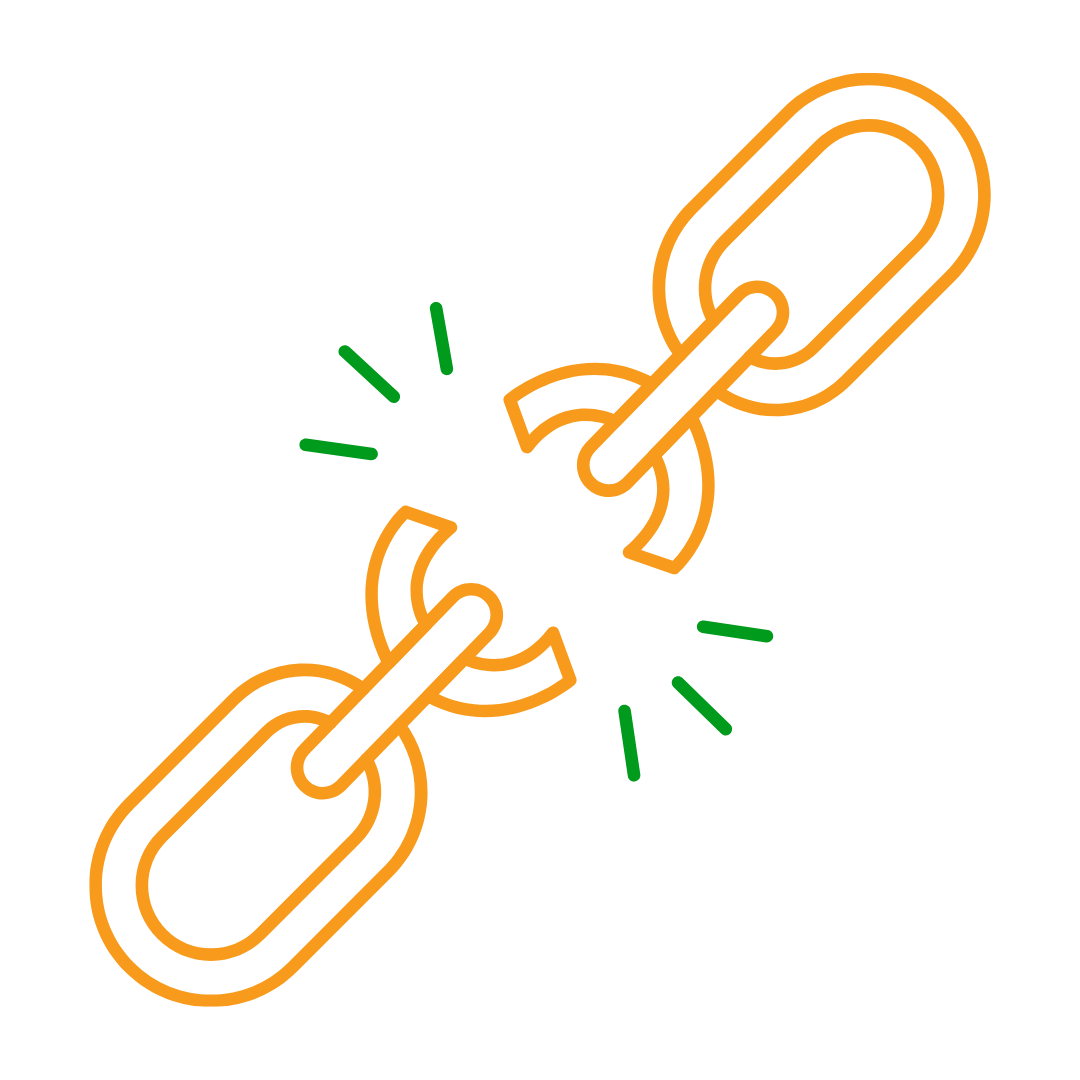
When crawlers move through your website, they follow links to discover pages and understand how everything connects. If they keep running into dead ends, such as 404 errors or broken URLs, they may waste time on pages that no longer exist. That can make it harder for them to understand which pages are current, useful, and important.
For small businesses, broken links often happen after website updates. Maybe a service page was renamed. Maybe an old blog post was deleted. Maybe a redesign changed URLs without setting up redirects. The site might look polished on the surface, but behind the scenes, crawlers and customers may still be running into dead ends.
3. Make Sure Your Content Loads Without Problems
Modern websites can do impressive things. Menus slide open. Images fade in. Galleries move. Buttons animate. Forms appear after a click. These features can make a website feel polished, but they can also create crawlability problems when important content depends too heavily on scripts.
Many websites use JavaScript to load page content. Google can process JavaScript, but Google’s own documentation explains that Google Search handles JavaScript in phases: crawling, rendering, and indexing. That extra rendering step can add complexity, especially when key content only appears after scripts load.
For small business owners, here’s the plain-language version: If a customer has to wait for fancy effects before seeing what you do, a bot may also have extra work to do.
That doesn’t mean JavaScript is bad. Plenty of well-built websites use it successfully. Problems happen when essential business information is hidden, delayed, or difficult to access. Your service names, service areas, hours, phone number, forms, and calls to action should load reliably for both people and crawlers.
4. Use Clean, Descriptive URLs
URLs may seem like a small detail, but they help both people and crawlers understand what a page is about before they even visit it.
A clean URL acts like a clear label on a folder. It gives search engines, AI crawlers, and customers a quick clue about the page topic. A messy URL, on the other hand, can look confusing, unfinished, or overly technical.
For example, this URL is clear: /roof-repair/
This one is much less helpful: /service?id=8472&type=rr-new-final/
Both URLs might lead to a roof repair page, but only the first one gives users and crawlers an immediate signal about the content. It’s short, readable, and easy to remember.
Clean URLs also make your website easier to manage. When your team, SEO provider, or web designer reviews your site, clear URLs make it obvious which pages exist and what they’re supposed to target.
5. Keep Important Business Information in Text, Not Only Images
A beautiful graphic can catch someone’s eye. It can highlight a seasonal promotion, show off your services, or make your homepage look more professional. However, if your most important business information only appears inside an image, crawlers may have a harder time reading and understanding it.
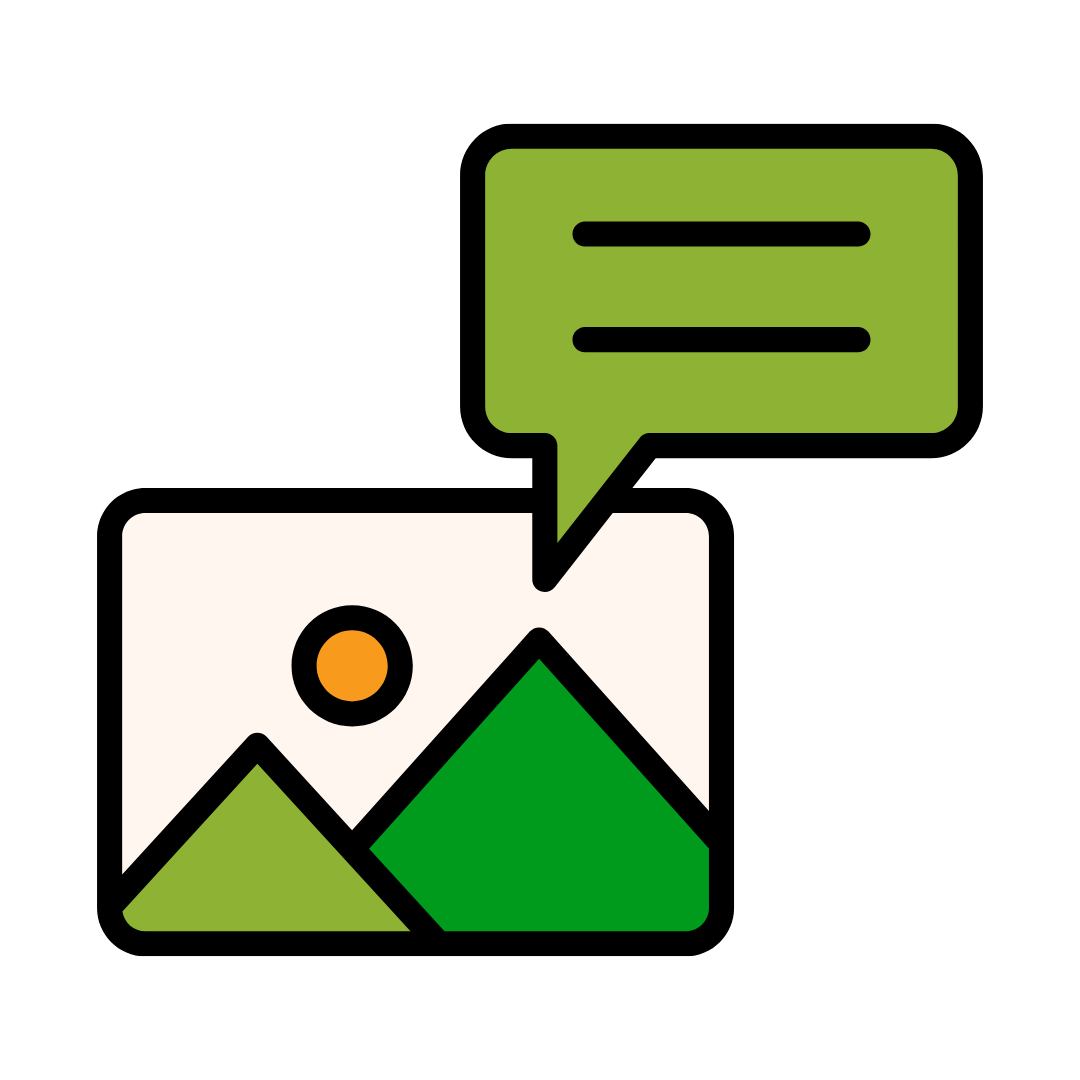
Search engines and AI platforms need readable text. They can understand some image information, especially when images include helpful alt text, but visible page text is still the safer choice for essential details. Your services, phone number, address, hours, service areas, and booking options shouldn’t be trapped inside a graphic.
For example, a restaurant shouldn’t just post its hours inside a graphic on the homepage. Those hours should also appear as readable text on the page. Ideally, they should be supported by structured data so search engines can better understand the business information.
Crawlability Is Visibility Insurance
Crawlability isn’t the flashiest part of SEO. It doesn’t have the instant appeal of a beautiful homepage, a clever headline, or a viral blog post. However, it’s one of the most important parts of building a website that can actually be found.
That is why crawlability works like visibility insurance. It helps protect the effort you put into your website. Every service page, blog post, location page, FAQ, testimonial, and contact option becomes more useful when crawlers can reach it.
The good news is that you don’t need to understand every technical detail to ensure your site is crawlable. You just need to make sure your website’s doors are open, your signs are clear, and your most important pages are easy for both people and bots to find.
Need help with finetuning the backend of your website? LinkNow is always willing to help with audits and redesigns that help you feel confident that search engines and AI platforms can find your business. Click here to speak with our team.